The Small Business Guide to Adding Online Booking to Your Website
Author: Helena
If you run a small business, you know how time consuming managing appointments and bookings can be.
From back and forth emails to missed calls, keeping your schedule organized can quickly become overwhelming. That’s why adding a booking system to your website is one of the smartest investments you can make. Not only does it save you time, but it also makes it easier for customers to book your services, improving client satisfaction and boosting your revenue.
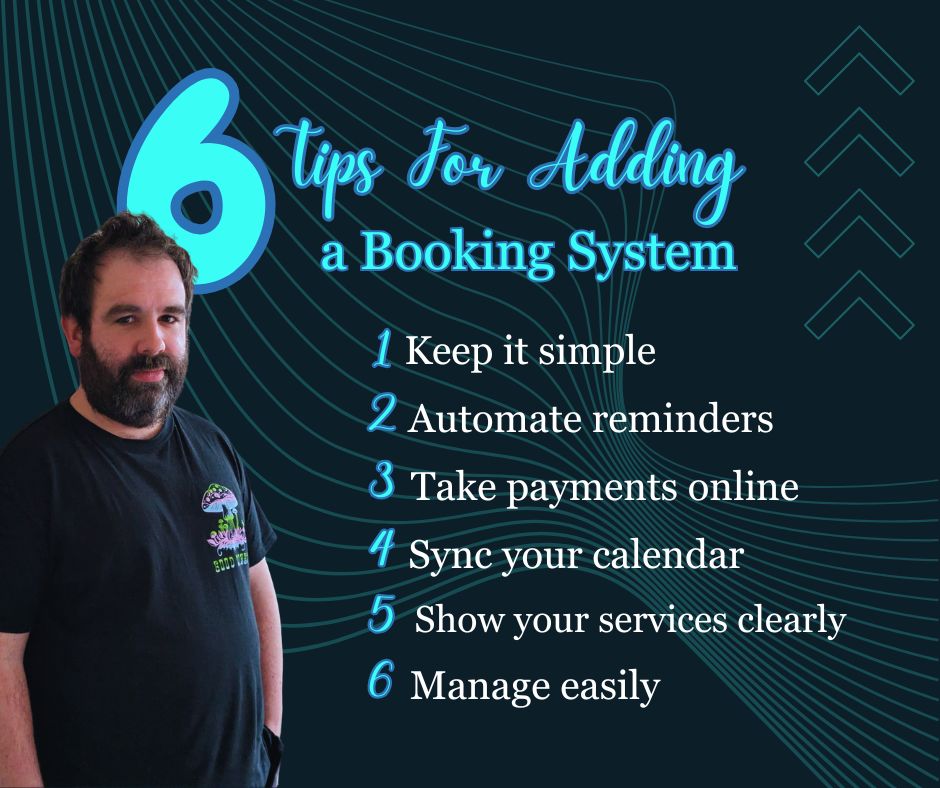
Here are six key things every small business owner should know before adding a booking system to their website.
1️⃣ Make It Simple for Customers
Your website should make it easy for clients to book appointments online. A simple, straightforward booking process reduces frustration and increases conversions. Confusing forms or too many steps can lead to abandoned bookings and lost revenue. When designing your booking page, focus on clarity: clearly labelled fields, minimal steps and visible call to action buttons. The easier it is for your customers to book, the more likely they are to complete the appointment.
2️⃣ Automate Reminders
Missed appointments cost small businesses time and money. A professional online booking system includes automatic email and SMS reminders. These notifications help ensure that clients remember their appointments and reduce no shows significantly. Automation also frees up your time, you won’t need to send reminders manually, allowing you to focus on providing excellent service.
3️⃣ Accept Payments Online
One of the biggest advantages of integrating a booking system into your website is the ability to accept payments online. You can require deposits or full payments upfront, which reduces no shows and guarantees that clients are committed. Online payments also improve cash flow and make transactions safer and more convenient for your customers.
4️⃣ Sync With Your Calendar
A robust booking system will sync directly with your calendar tools, such as Google Calendar, Outlook, or iCal. This integration prevents double bookings and keeps your schedule organized automatically. For small business owners juggling multiple appointments or services, syncing your booking system with your calendar is essential to save time and reduce stress.
5️⃣ Highlight Your Services Clearly
Transparency is key when it comes to online bookings. Make sure your services, pricing and appointment duration are clearly displayed on your website. Customers are more likely to book when they know exactly what they’re getting. By highlighting your services clearly, you also build trust with your clients and encourage repeat business.
6️⃣ Track & Manage Easily
A good booking system allows you to track appointments, manage client information and follow up easily. Having a centralized platform makes it simple to see all upcoming bookings at a glance, make adjustments and communicate with clients. This efficiency not only improves your workflow but also enhances the overall customer experience.
Who Benefits Most from a Booking System
While not every small business needs an online booking system, it can be a game changer for service based businesses or businesses that rely on scheduled appointments. If you run a salon, fitness studio, consultancy, coaching service, or any business where clients book time with you, a booking system can save hours of back and forth scheduling, reduce no shows and make your operations run smoother.
For businesses that don’t rely on appointments like retail stores or product based businesses - an online booking system might not be necessary, but a clear contact form or inquiry system can still improve the customer experience.